How to Choose the Right Barcode Label Size and Placement
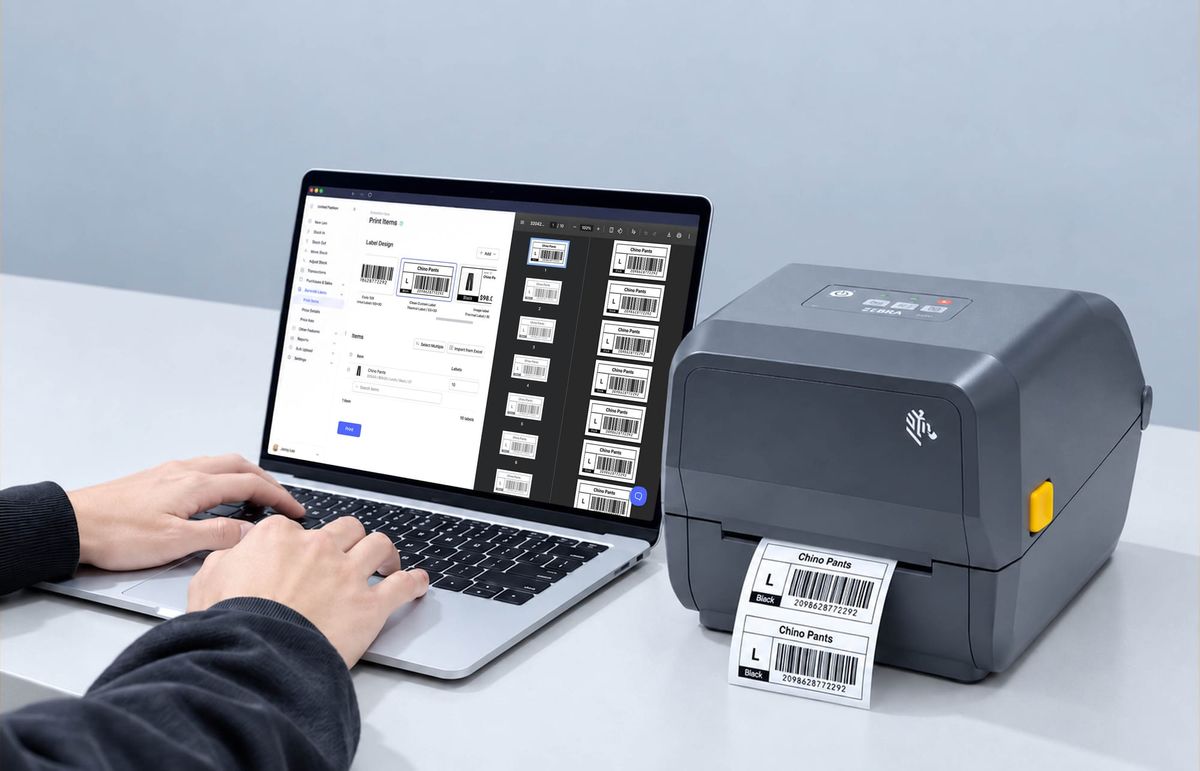
When you design your first product label, you decide how big the barcode is and where it goes. That layout usually carries over to every label you make after it, along with any sizing or placement mistakes. GS1 New Zealand, which tests barcodes for companies supplying retailers, finds that barcodes most often fail verification because the quiet zone is too narrow or the bars are too short.
You can catch these problems in the design file with a ruler and a test print, well before you order a full roll of labels.
To show how this works, we'll follow one product through the post: a face cream that needs a different label on its retail box, on the case of 24 it ships in, and on its bin in your back room.
The 3 Measurements Behind Barcode Size
You'll see these terms on GS1 spec sheets and in most label design software:
- X-dimension is the width of the narrowest bar or space in the code. The wider bars and spaces are two, three, or four times that width, so the X-dimension sets the size of the whole barcode.
- Magnification is the barcode's size as a percentage of the standard (100%) size. For EAN-13 and UPC-A, GS1 allows anywhere from 80% to 200%.
- Quiet zone is the blank margin on each side of the code. Scanners use it to find where the barcode starts and ends.
When you change the magnification, the quiet zone and minimum bar height change with it. For example, an EAN-13 printed at 80% has narrower margins and shorter bars than one printed at 100%. Here are the measurements at each size, from GS1's EAN/UPC symbol reference:
| Magnification | X-dimension (mm) | Width incl. quiet zones (mm) | Minimum bar height (mm) |
|---|---|---|---|
| 80% | 0.26 | 29.83 | 18.29 |
| 100% | 0.33 | 37.29 | 22.86 |
| 120% | 0.40 | 44.75 | 27.43 |
| 160% | 0.53 | 59.66 | 36.58 |
| 200% | 0.66 | 74.58 | 45.72 |
Barcode Size by Label Type
GS1 sets size rules for product packaging and shipping labels. Bin and shelf labels you use in-house only need to scan on your own devices.
A. Retail Products
Start with 100% magnification for EAN-13 and UPC-A codes on consumer packaging, and only go smaller when the package can't fit it.
Let's say the back panel of the face cream box is 65 mm wide. A 100% EAN-13 is about 37 mm wide, so it fits with room to spare for the 8 mm edge margin GS1 recommends (covered in the placement section below).
A larger code is needed only when the same barcode is also scanned in distribution centers. In that case GS1 recommends 150% to 200%, which is too wide for this box. The face cream box keeps its 100% code, and the shipping case gets it own larger barcode.
Before sending packaging artwork to the printer, also check your retailers' supplier manuals. Some large retailers set their own minimum sizes.
B. Cases and Shipping Labels
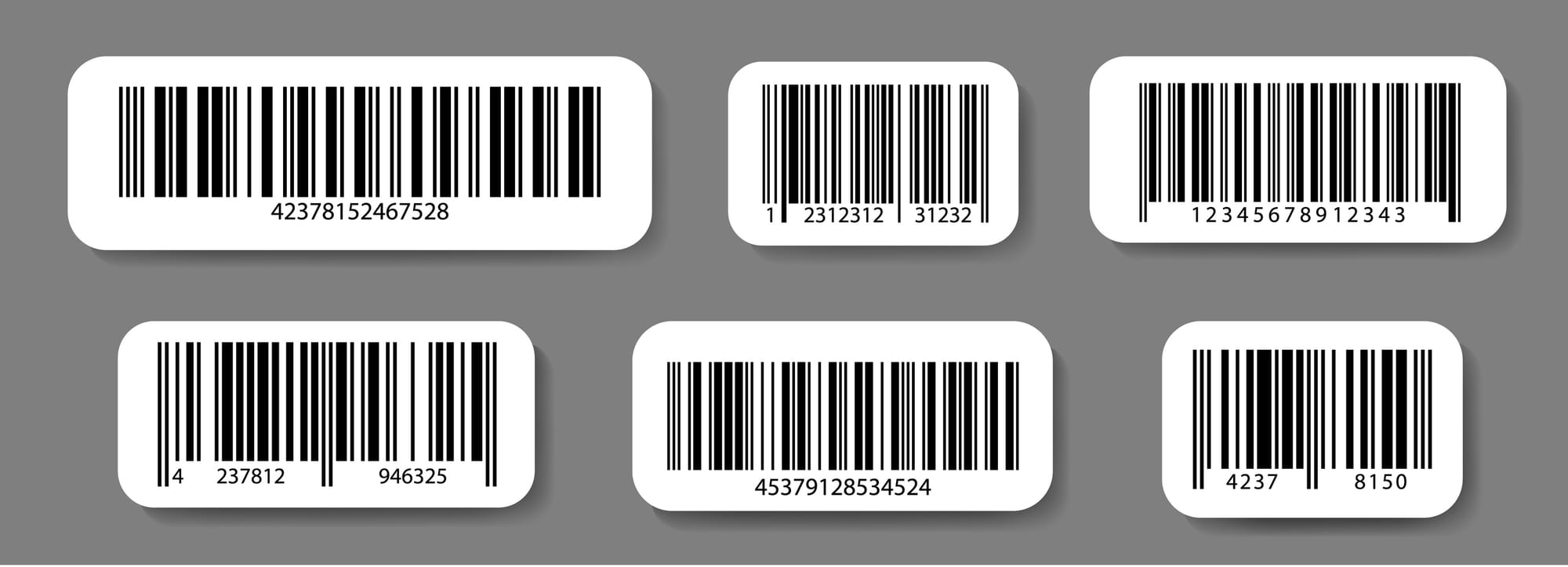
In our example, the face cream ships in cases of 24, and each case needs a shipping label with a GS1-128 barcode. The GS1 Logistic Label Guideline sets these sizes:
- Barcode size: an X-dimension of 0.495 mm, the guideline's recommended default.
- Bar height: at least 31.75 mm (1.25 in.), not counting the digits printed below the bars.
- Label size: A6 or 4 x 6 in. for a label that carries only the shipping container code. Pallet labels with product details, batch numbers, or dates usually need A5 or 6 x 8 in.
For goods kept in cold storage (e.g., frozen food), use a larger X-dimension, since freezing can degrade print quality. The guideline also rules out thermal paper that changes color in heat or sunlight.
C. Internal Inventory Labels
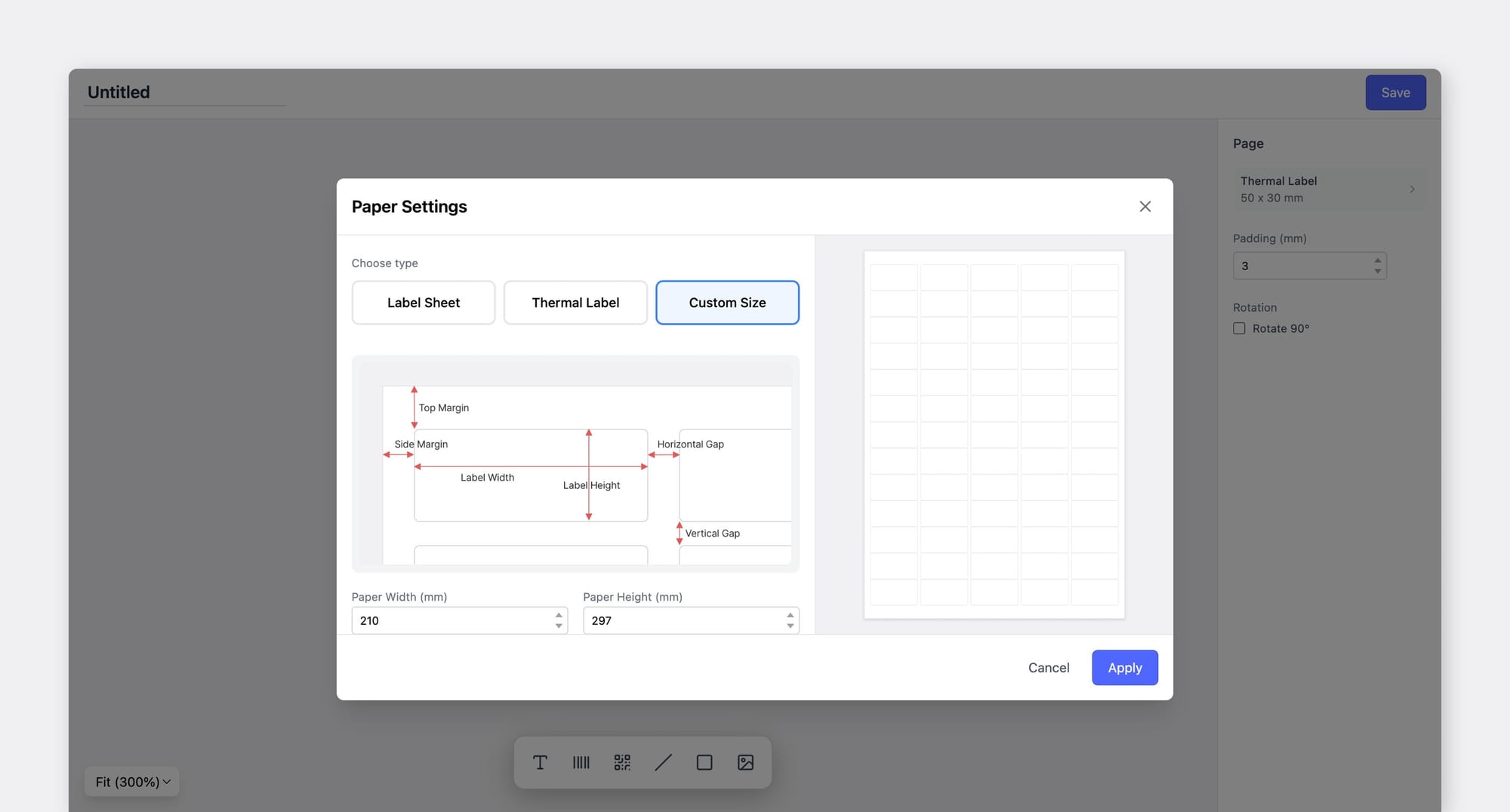
Bin labels, raw material labels, and other labels you only scan in-house don't have to follow GS1's retail rules. Use Code 128 or QR codes, sized for your scanners and scanning distance. A label scanned with a phone at arm's length can be small (e.g., 40 x 25 mm), while a label on a top rack scanned from the floor needs a much larger code.
On a 203 dpi thermal printer, each bar has to be a whole number of printer dots wide (about 0.125 mm per dot). Set the X-dimension in multiples of 0.125 mm for the cleanest bars.
In BoxHero, set the barcode type and label dimensions for each layout in the custom label designer. Print two or three sizes on one sheet and scan each before ordering label stock in bulk.
D. Very Small Items
Lip balm tubes, sample sachets, and travel-size bottles often have less than 30 mm of flat space. That's narrower than an EAN-13 at 80%, the smallest size GS1 allows.
If a package can fit an 80% code, keep the full bar height. Shortening the bars, called truncation, makes a code fail GS1 verification once it drops below the minimum height for its size.
If even the smallest EAN-13 won't fit, GS1 recommends truncating the barcode over shrinking it further. Some retailers reject truncated codes, so confirm with your national GS1 office before printing. The office can also tell you whether a smaller symbol like EAN-8 is an option.
Leave Room for the Quiet Zone
Keep the quiet zone free of text, borders, and graphics. Scanners use this blank space to find where the code begins and ends, and anything printed inside it can cause a missed scan.
| Barcode type | Minimum quiet zone |
|---|---|
| EAN-13 | 3.63 mm left, 2.31 mm right (at 100%) |
| GS1-128 | 10 times the X-dimension on each side |
| GS1 QR Code | 4 times the X-dimension on all four sides |
| GS1 DataMatrix | 1 times the X-dimension on all four sides |
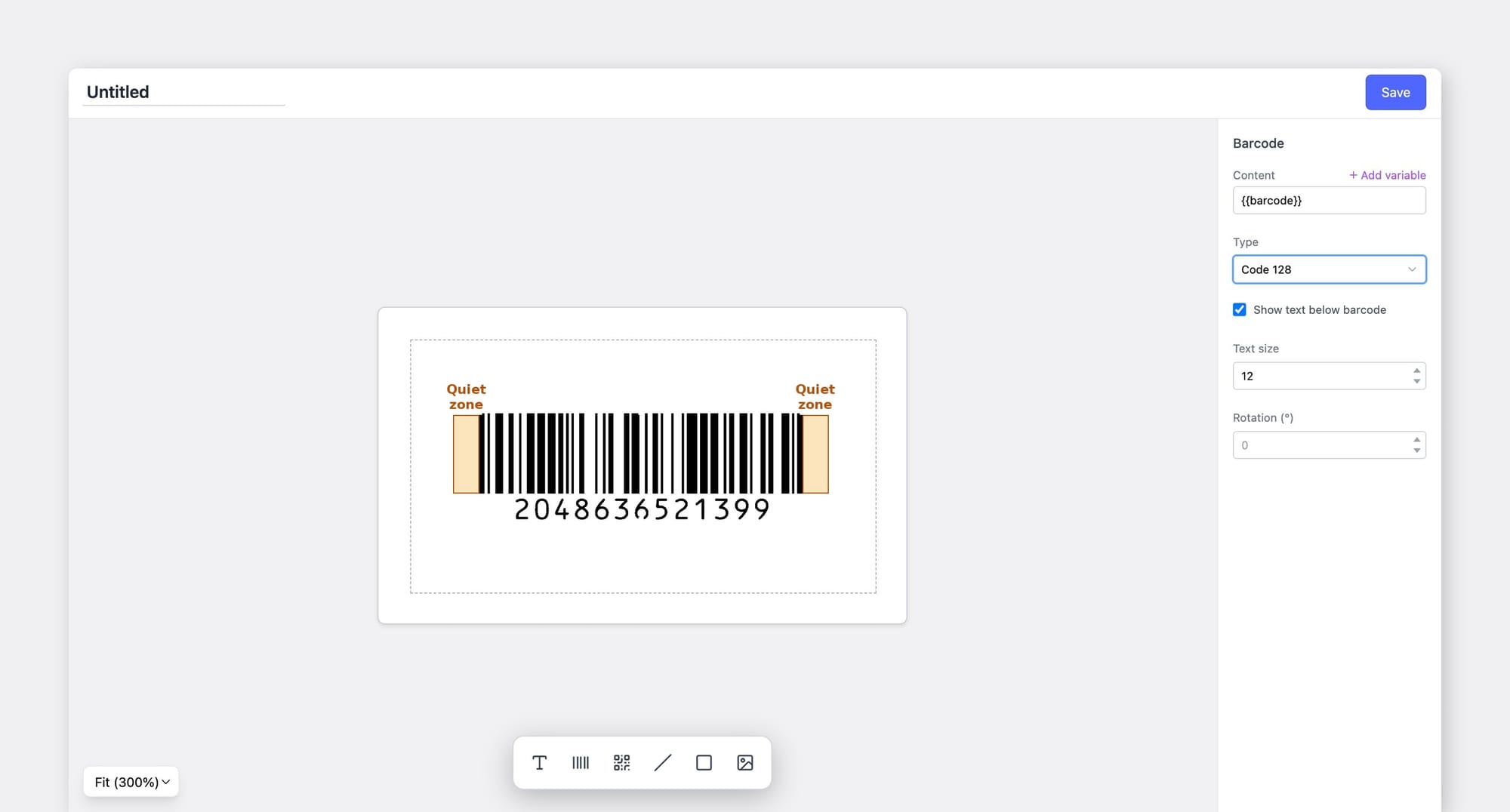
Quiet zones are usually lost in one of four ways:
- The label edge or die-cut line is too close to the bars.
- A logo, border, or line of text is placed right beside the code.
- The barcode image was cropped tightly before it went into the design file.
- A seam, fold, or layer of shrink wrap covers part of the margin.
Where to Place Each Label
GS1 publishes placement rules for retail packaging and for shipping units. Labels used only inside your own facility have no formal standard.
A. On the Product
GS1's placement rules for retail packaging:
- Position: the lower right quadrant of the back of the package. If that isn't possible, use a lower quadrant on another side.
- Edge distance: at least 8 mm and no more than 100 mm from any edge. Codes closer to the edge get damaged in handling, and codes farther in can be missed by fixed checkout scanners.
- Orientation: on round or narrow products under 5 cm in diameter, turn the code so the bars run horizontally (ladder orientation). On larger products, keep the bars vertical (picket fence orientation).
- Surface: keep the code and its quiet zone off perforations, seams, folds, flaps, sharp curves, and uneven surfaces.
- Large or heavy items: use two or more barcodes on products over 450 mm in two dimensions or heavier than 13 kg.
On the face cream box, put the barcode on the back panel, lower right, at least 8 mm from the bottom and side edges, with the bars vertical. On a round 30 mL face oil bottle under 5 cm across, turn the code so the bars run horizontally around the curve.
B. On Cases and Pallets
The GS1 Logistic Label Guideline sets placement by distance from the base and from the vertical edges:
| Requirement | Carton or outer case | Pallet |
|---|---|---|
| Barcode height from base | Bottom of bars at 32 mm | Between 400 and 800 mm |
| Distance from vertical edge | At least 19 mm | At least 50 mm |
| Labels per unit | At least one | Two, on adjacent sides |
Print shipping barcodes with the bars upright (picket fence orientation). On a pallet of face cream cartons, place the two labels toward the right side of each face. Most forklift operators are right-handed, and labels on the right are easier to scan from the seat.
If a case already has a product barcode printed on it, apply the shipping label to its left and keep the product barcode visible.
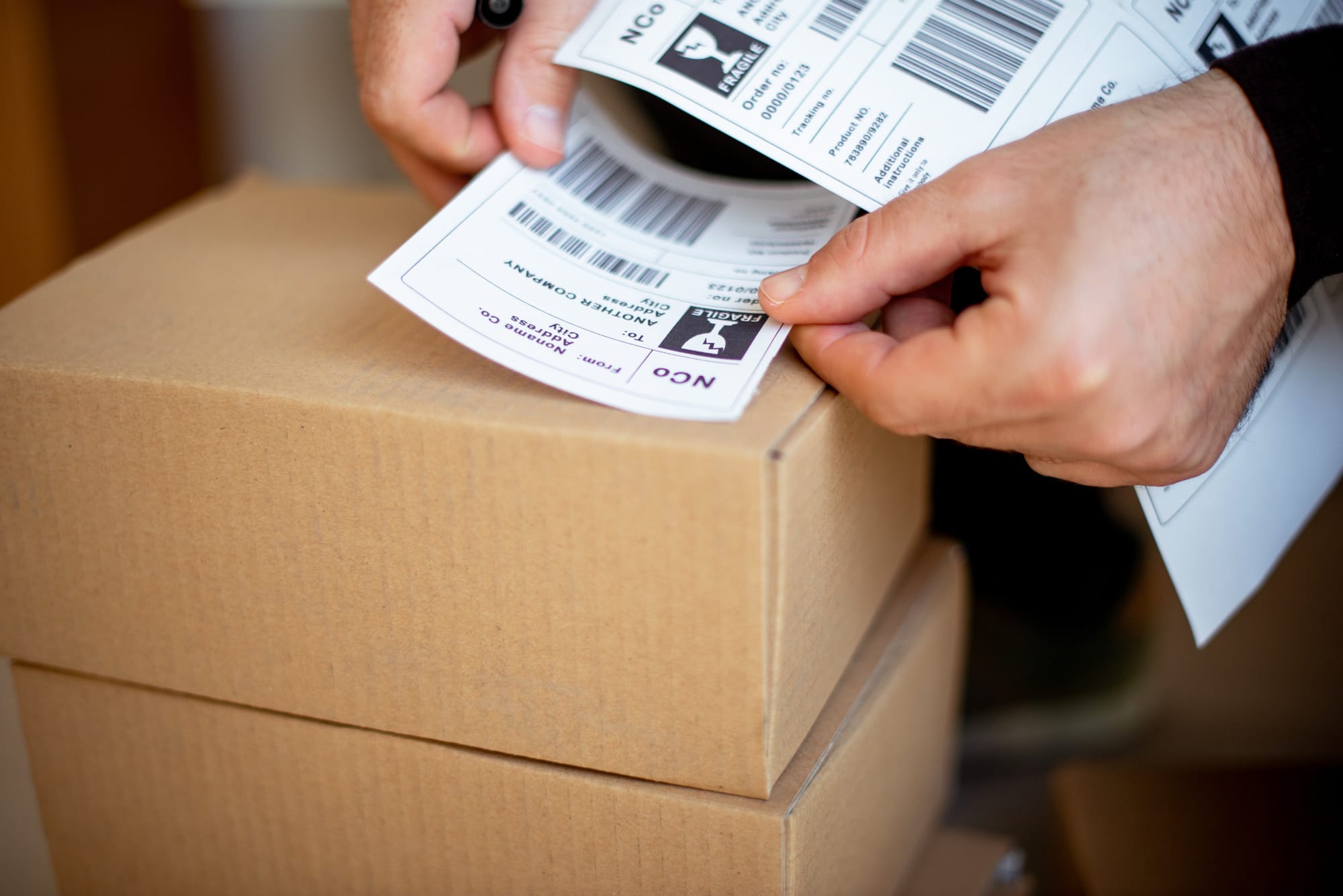
C. On Bins and Shelves
Give every bin and shelf in your back room its own location label, and use the same layout on every fixture:
- Put location labels in the same spot on every fixture of the same type (e.g., the front edge of every shelf, or the top left corner of every bin).
- Use a different barcode type or label color for locations than for items, so staff don't scan a bin when they mean to scan a product.
- Use larger codes on labels scanned from a distance, such as on high racks.
To set up Locations in BoxHero before printing their labels, see How to Track Inventory by Location. Record each transfer between bins as a Move Stock transaction so each location's count stays accurate.
Test Your Labels Before and After Printing
The sizes, quiet zones, and placement rules above only hold up if the printed label matches the design file. Before ordering label stock or approving packaging artwork:
- Print on production equipment. Use the same printer, settings, and label stock you'll use for the full run.
- Measure. Check the barcode width, bar height, and quiet zones against the minimums for its type and magnification.
- Scan with every device that will read it (e.g., a phone camera in the back room, a handheld scanner at receiving, a fixed scanner at checkout). Hold each one at the distance and angle your team normally uses.
- Scan it on the real package. Apply the label to the face cream box, the case, or the bin and scan again. Curves, seams, and shrink wrap cause failures that don't show up on a flat test sheet.
- Get a verification report for retail products. GS1 recommends testing with an ISO/IEC 15416 verifier and a minimum grade of 1.5. Most national GS1 offices offer barcode verification.
Re-verify your retail barcodes once a year and whenever you change printers, label stock, or packaging. Clean the print head on a regular schedule to keep the bars sharp. These checks keep the layout from your first label working on every label you print after it.