Why Zebra Is #1 in Label Printers: Lessons from Testing 20 Machines
If you've ever looked into label printers, you've probably had the same experience: everyone says Zebra is the best, but nobody really explains why.
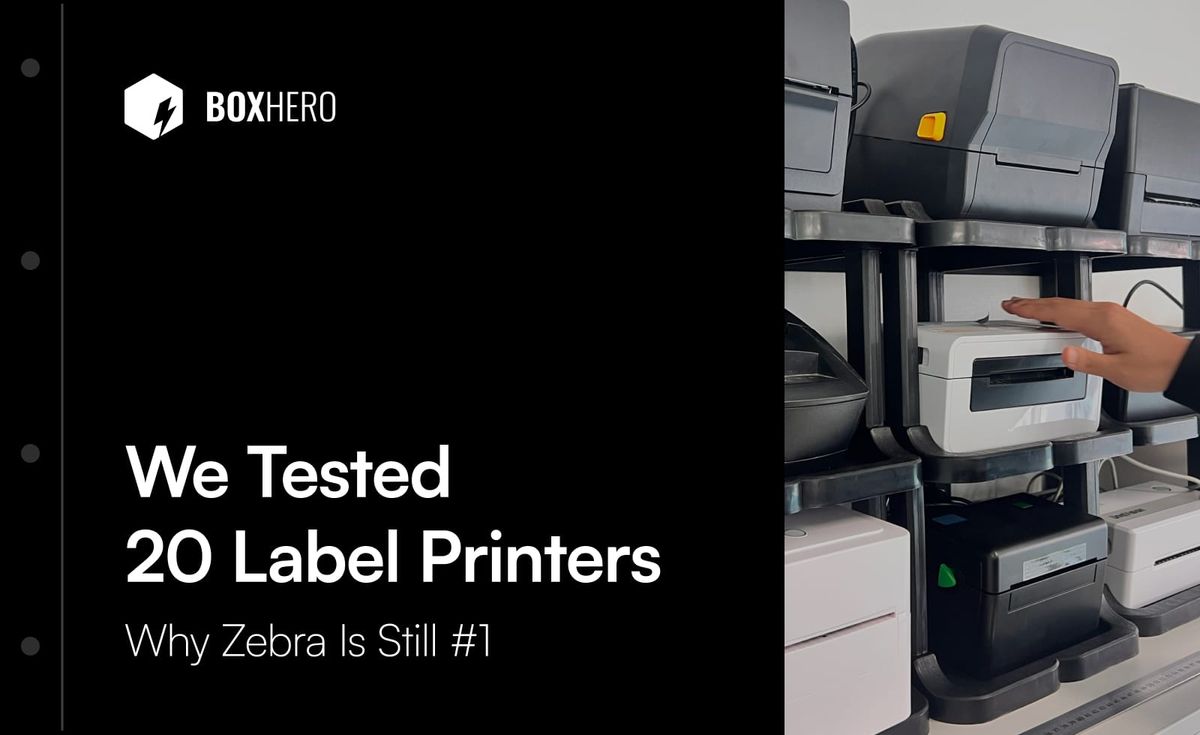
We ran into this ourselves. At BoxHero, we recently built a driverless printing feature for our inventory management platform. To make sure it worked across as many printers as possible, we bought roughly 20 thermal label printers — Zebra, Bixolon, TSC, Rollo, Munbyn, and several Chinese-market brands.
After weeks of swapping media, replacing ribbons, reconnecting, and printing over and over, the answer became pretty obvious. There's a reason Zebra is #1.
This isn't a spec sheet comparison. It's what we actually learned from hands-on testing across all 20 machines.
5 Things That Make Zebra Stand Out
1. Build quality you can feel in your hands
Every thermal label printer is made of plastic, but not all plastic is created equal.
Pick up a Zebra ZD421 and then pick up a budget printer from another brand. The difference is immediate. Zebra's casing is noticeably thicker and more rigid. The cover release clicks with a solid, deliberate snap. There's no flex, no gaps between panels, no rattling parts. It feels like something built to sit on a warehouse shelf for years, not something that'll creak after six months.
We can't say the same for every printer we tested. Some had thin casings that flexed under light pressure. Others had wobbly latches or panels that didn't quite line up. One or two genuinely felt like electronics from the '90s. 😬
The best comparison we can think of: it's the difference between picking up an iPhone and picking up a no-name budget phone. The build quality gap is obvious the moment you pick them up.
2. Media swaps that don't waste your time
Swapping label rolls and ribbons is part of owning a thermal printer. How simple that process is varies wildly between brands. And because swaps don't happen constantly, people forget the steps in between and end up fumbling every time.
Of all the printers we tested, Zebra had the most intuitive media loading process.
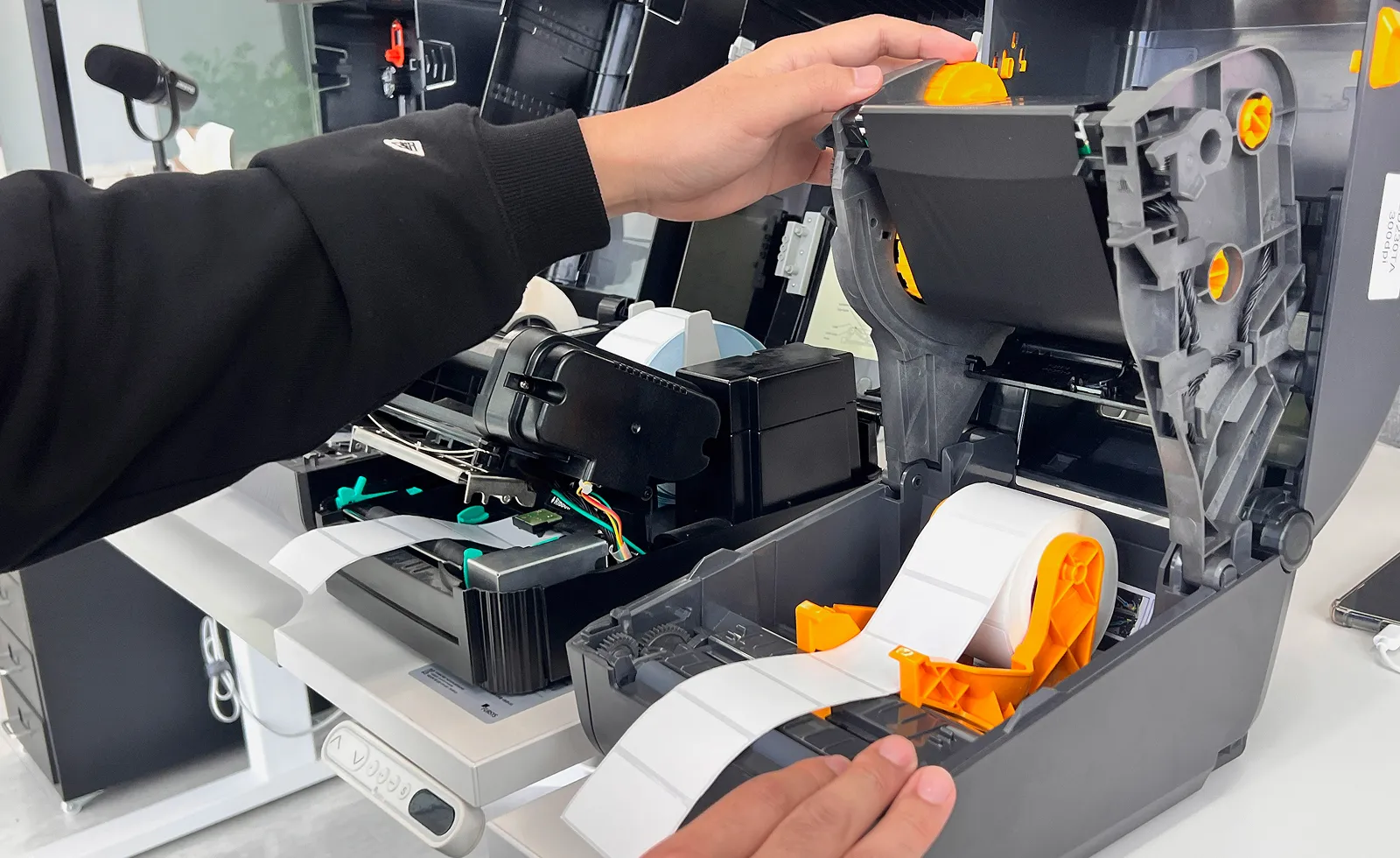
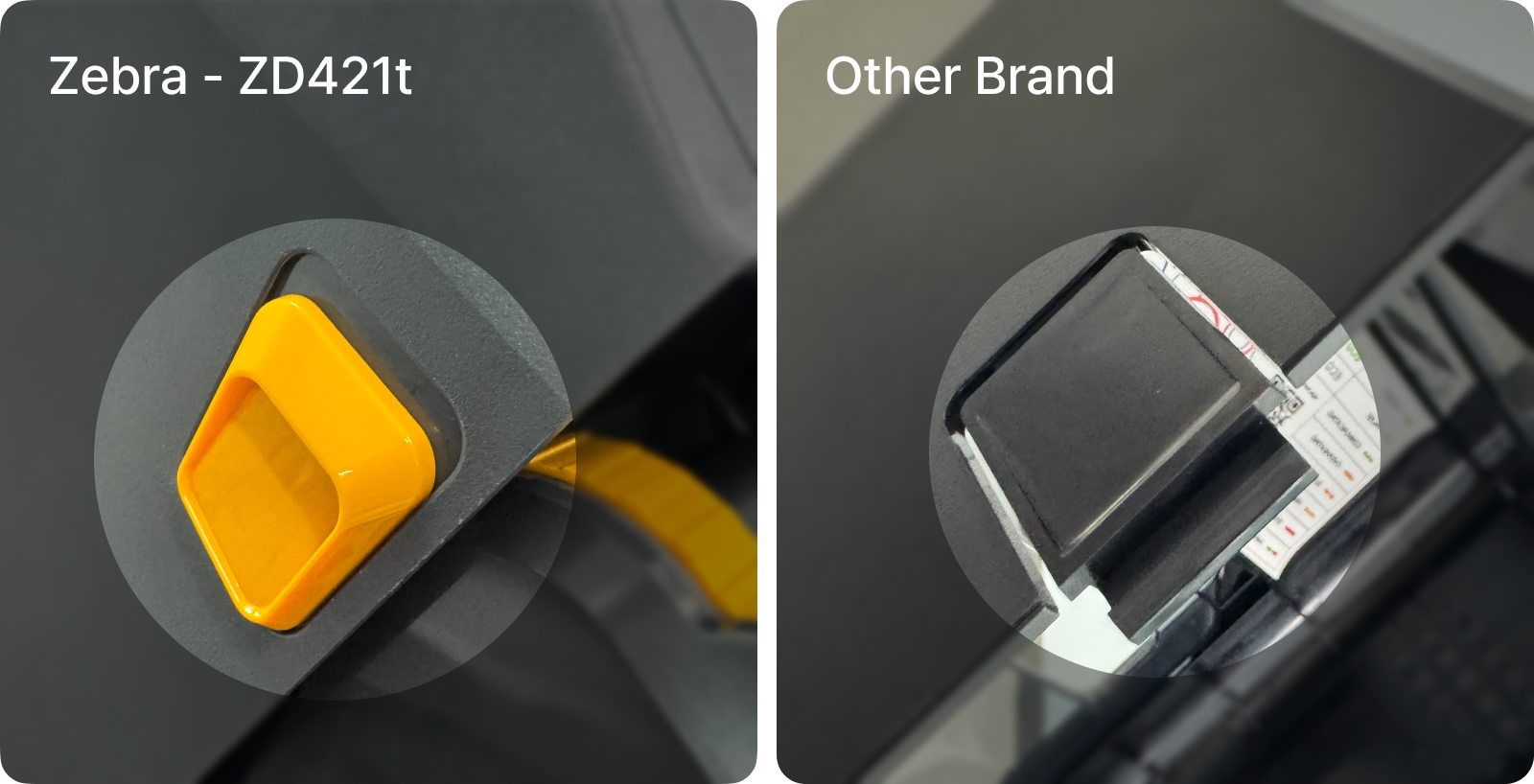
- Label rolls: The ZD421 uses spring-loaded guides that grip the roll core automatically, regardless of roll width. You pull the guides apart, drop in the roll, and release. Most other printers we tested require you to manually slide the guides to match your roll width. You might have to fiddle with alignment and hold things in place with one hand while adjusting with the other. It works, but it's slower and less intuitive.
- Ribbons: Zebra mounts the ribbon spindles on the inside of the cover. When you flip it open, the ribbons lift up and out of the way, leaving the entire base clear — which makes swapping label rolls much easier. Other brands tend to keep everything packed inside the base, so you're working in a tighter space every time you need to change media.
- Auto-calibration: When you close the cover after loading new media, Zebra printers automatically detect the label size and recalibrate. Some competitors require you to manually run calibration every time you swap a roll.
Zebra ZD421t (Left): Spring-loaded holder keeps the label roll in place. Other brands (Right): Wider opening, but still requires guide adjustment or careful label feeding from the back.
3. Modular upgrades you can plug in yourself
The ZD421 ships with USB only, but that's by design. If you need Ethernet, Wi-Fi, or Bluetooth down the line, Zebra sells snap-in modules that plug right into the back of the printer.
That means you can start with the base model today and add wireless connectivity six months later when you actually need it, without replacing the entire printer.
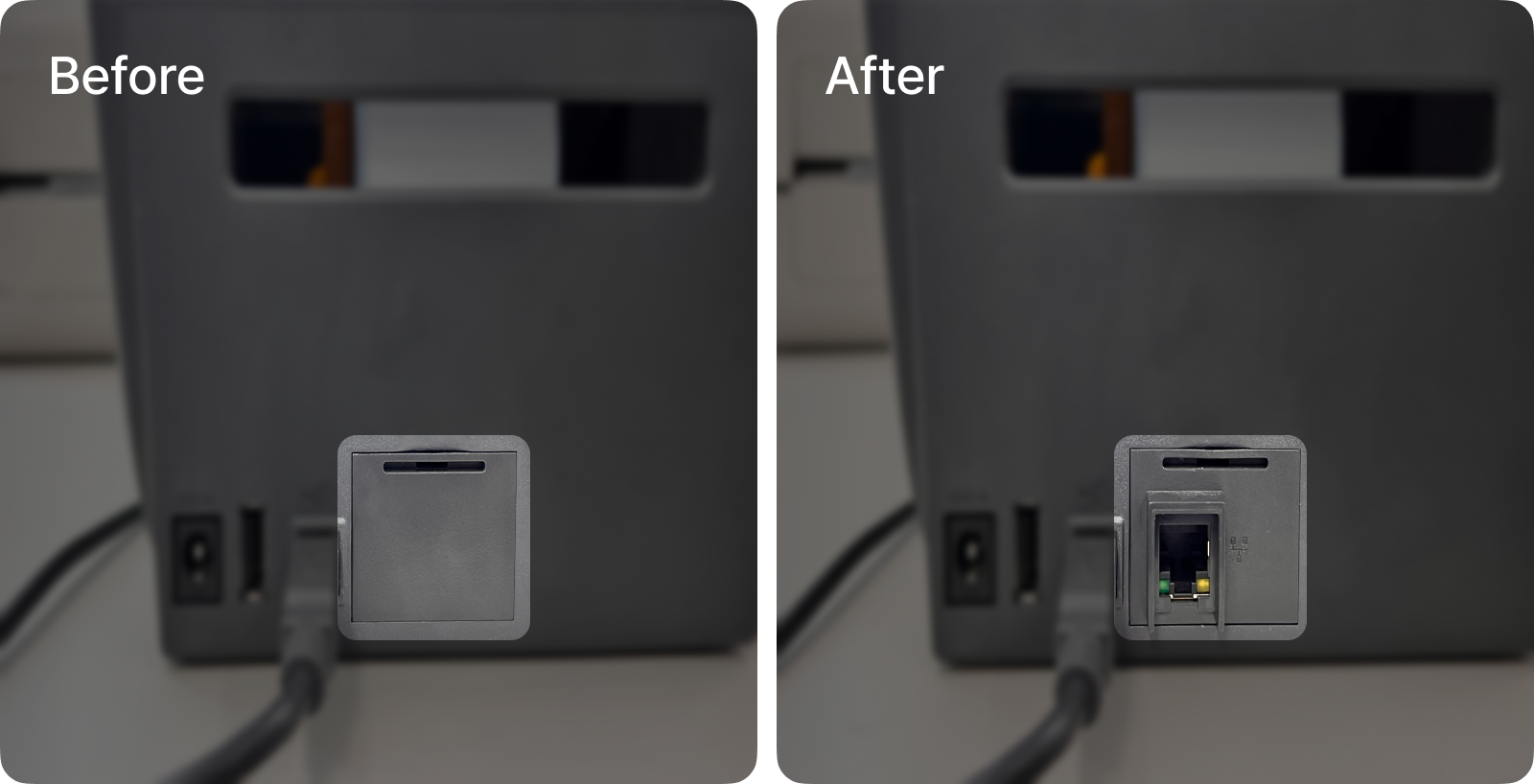
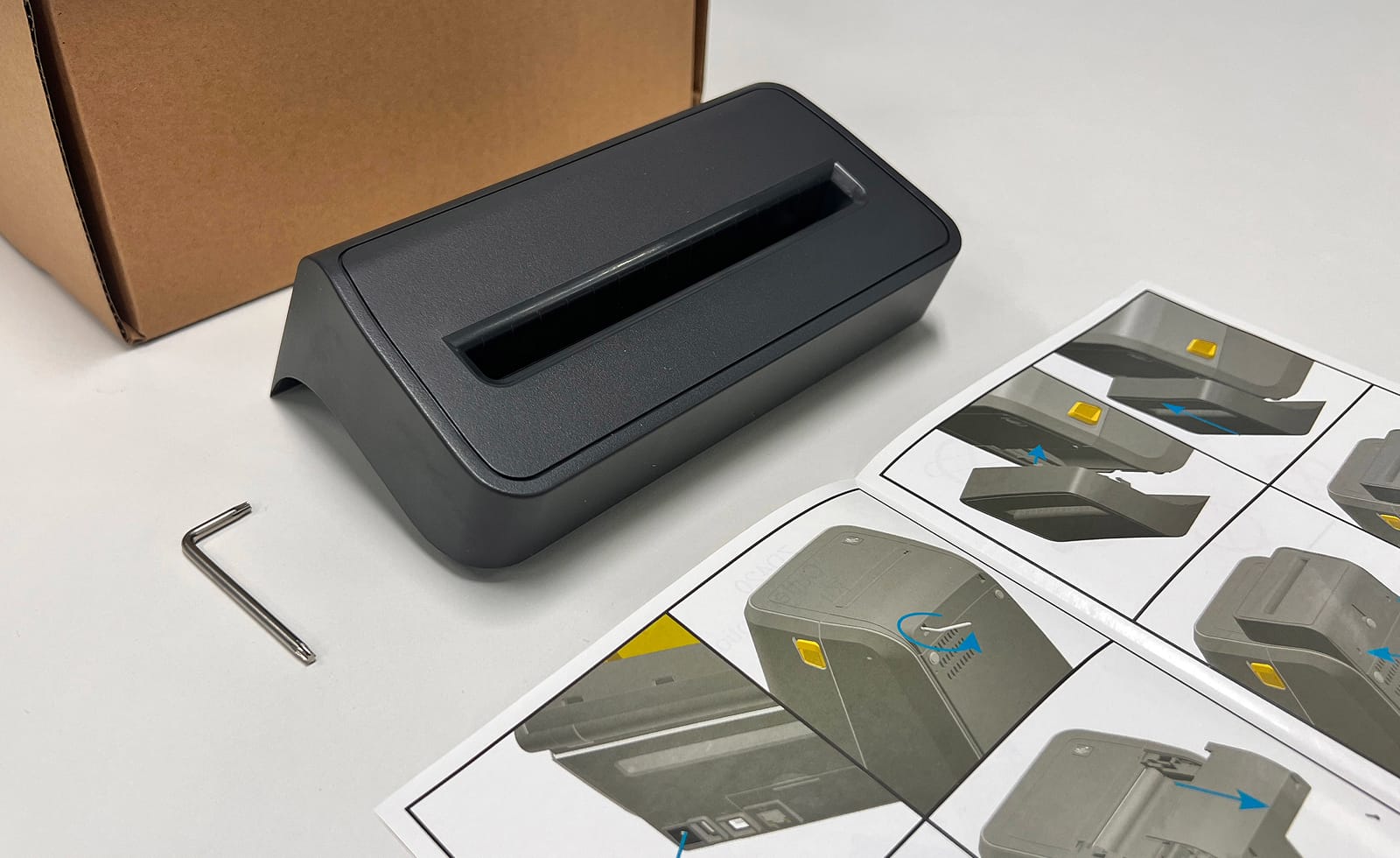
The same goes for accessories. Zebra offers optional cutters (for auto-cutting labels after each print) and peelers (for separating labels from the backing automatically). Each comes with an illustrated installation guide and necessary hardware.
4. Printer setup from your phone
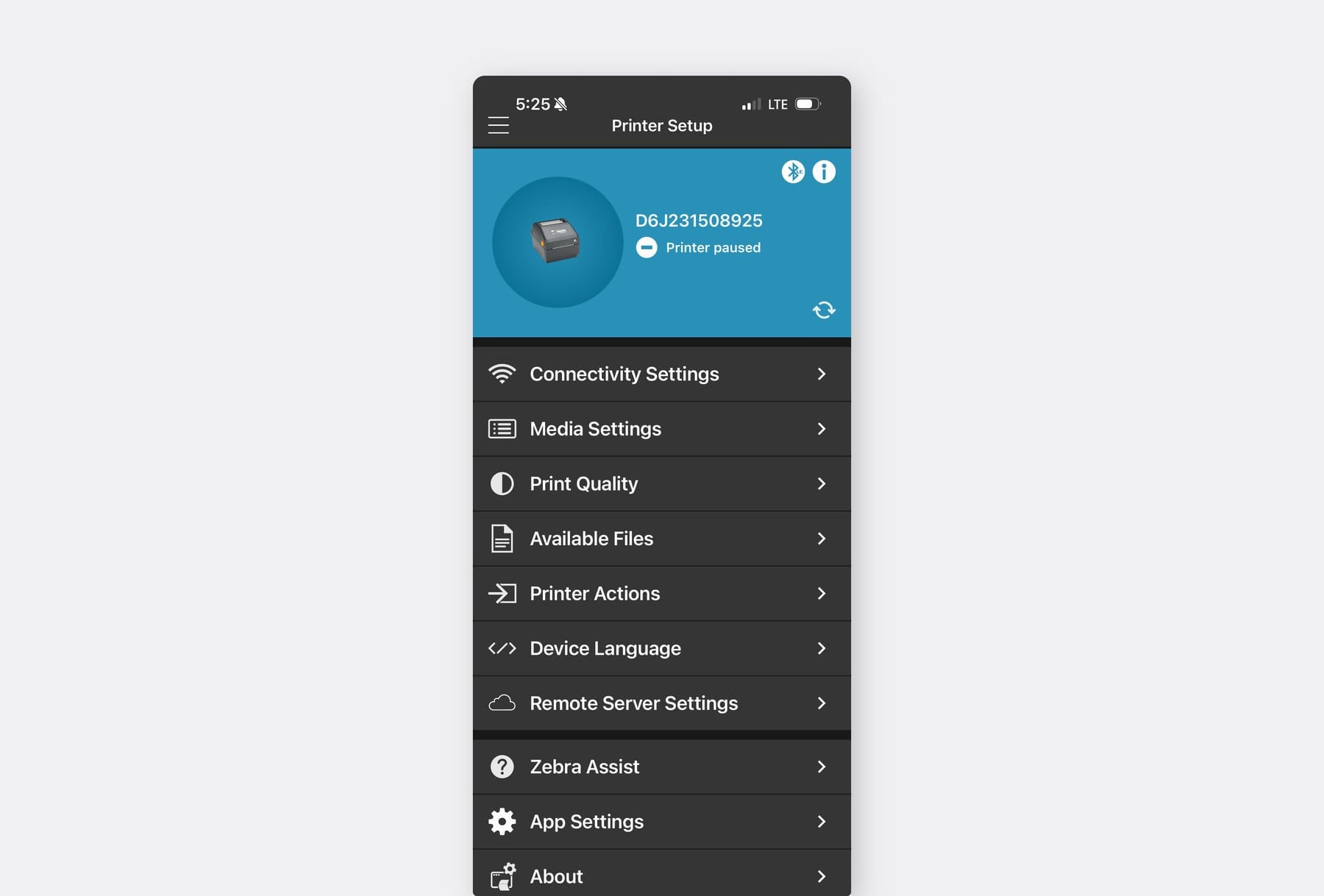
The ZD421 includes a Bluetooth Low Energy (BLE) module out of the box.
You can pair it with Zebra's Printer Setup app (available on iOS and Android) and configure print speed, darkness, sensor settings, and network preferences directly from your phone.
Most other printer brands offer configuration through desktop utilities that are Windows-only, USB-tethered, and clearly built for technicians rather than everyday users. If you're on a Mac, you're often out of luck entirely.
5. ZPL: A printer language and SDK for developers
This one is for the developers and systems integrators in the room.
Most label printer brands don't have their own command language. They rely on TSPL, a protocol originally developed by TSC. Zebra takes a different approach with ZPL (Zebra Programming Language), a proprietary command set with a deeper feature set.
Both are low-level languages that actually tell the printer what to do. When you hit "Print," your driver translates everything into one of these languages before sending it to the printer. TSPL gets the job done for basic printing, but it has its limitations.
ZPL offers a richer set of capabilities. One practical example: ZPL uses compression algorithms when sending image data, which means smaller payloads and faster print speeds for label designs that include logos or graphics.
But the real difference is in what comes around the language. Zebra provides well-documented SDKs across multiple platforms, making integration straightforward. (Most manufacturers that use TSPL don't even publicly document which command language they're running, let alone offer an SDK!)
If you've ever done a printer integration yourself, you know the difference. A product that's been carefully built from the ground up just works differently than one that was pieced together to get the job done.
The Trade-offs
No product is perfect, and Zebra is no exception.
Longer lead times for specialty models. The ZD230 and ZD421 are widely stocked and ship quickly. But if you need a less common configuration (specific resolution, connectivity, or regional variants), it can take 2-3 months to arrive.
Service availability varies by region. Zebra is a U.S.-headquartered company. In markets where they don't have a strong local service network, getting replacement parts or warranty repairs can take longer than it would with a domestic brand. Worth considering if you're buying outside North America or Europe.
Pricing: Is Zebra Worth the Premium?
Yes, Zebra does cost more than some alternatives.
But the price gap with mid-tier brands like Rollo or Munbyn is smaller than than you might think. And for that difference, you get noticeably better build quality, easier media loading, auto-calibration, and access to ZPL.
Budget printers are in a different category entirely. At under $100, they're the cheapest way to get labels printed. If you're treating the printer as semi-disposable or only need it for light use, they're a reasonable choice.
Final Verdict
Every printer we tested could connect and print a label. The difference is in everything around the printing.
How solid the printer feels after months of daily use. How quickly your team can swap a label roll. Whether the printer recalibrates itself or makes someone dig through a settings menu. Whether you can configure it from your phone or need to track down a Windows laptop.
None of that shows up on a product listing. But it's exactly what matters when your team is using these printers every day.
Before this project, we didn't have strong opinions about label printers. After testing 20 of them side by side, we get why Zebra is #1.
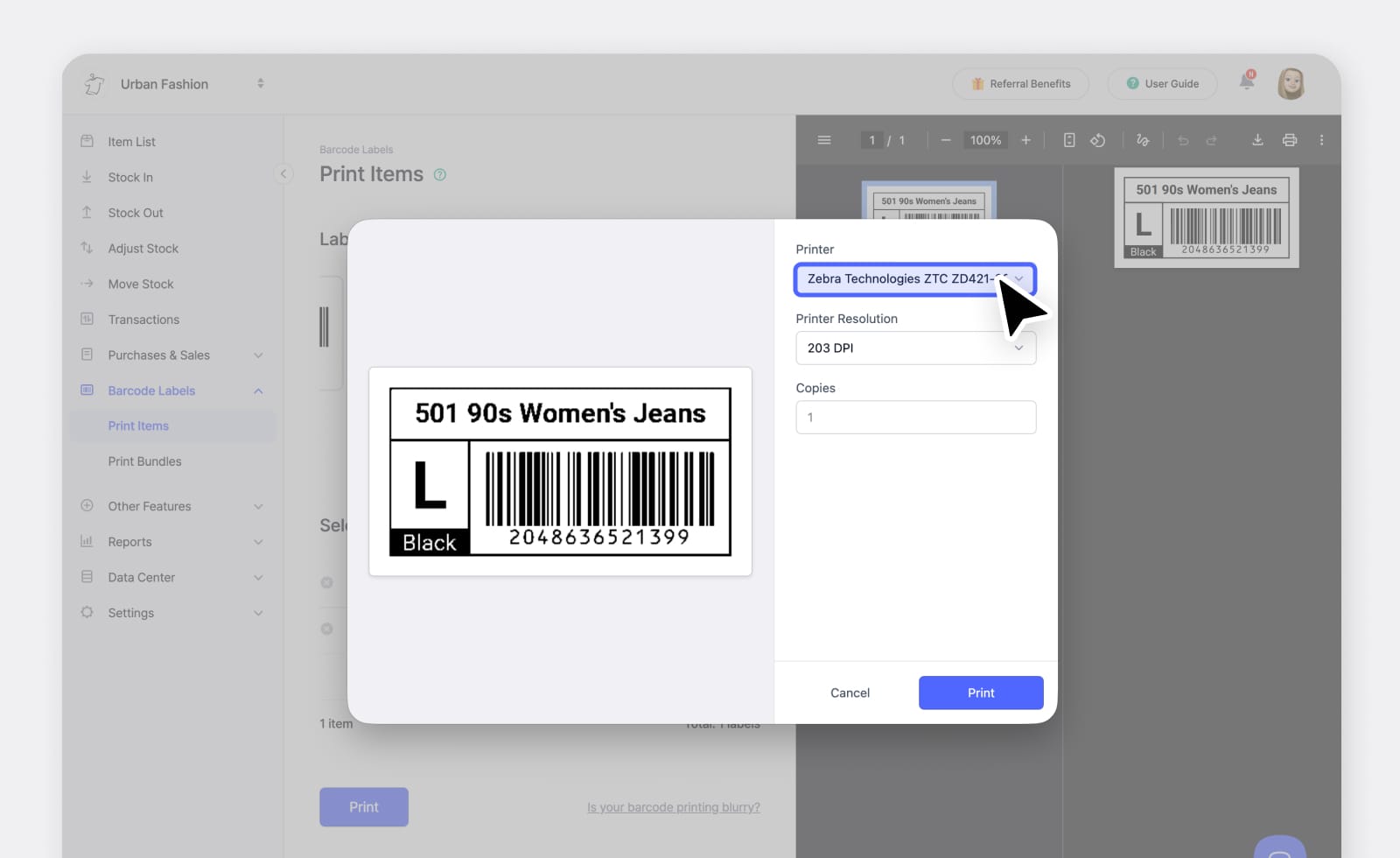
BoxHero is an inventory management platform with built-in barcode label design and printing. Our driverless printing feature works with Zebra and dozens of other brands, no driver installation needed.