Do You Need a WMS? Two Checklists to Find Out

A warehouse management system (WMS) is one of the larger software purchases a growing business will make. Cloud subscriptions commonly run $2,000 to $10,000 per month, and the implementation work — setup, data migration, integrations, hardware, and training — can easily cost more than the first year of the software itself.
The price is only half of it. A WMS also needs someone to manage it, keep data accurate, and handle ongoing maintenance. Buy it too early, and you may end up paying for a system you don't fully use.
So the real question to is simpler: does your business actually meet the conditions where a WMS make sense? Below is a two-part checklist to help you decide.
Two tests to run before you buy a WMS

Test 1. Are the same inventory problems happening over and over?
Early on, a short item list and basic stock movement (items coming in, items going out) is pretty manageable in a spreadsheet. But the math changes as volume grows. Recorded counts and physical counts start to disagree, and no single person can say for sure what's actually on hand.
This is more common than most businesses realize. The average U.S. retailer runs at about 65% inventory accuracy, measured by the Auburn University RFID Lab. And many inventory teams still track stock in Microsoft Excel, where errors get harder to avoid as inventory grows and more people update the same files.
The same problems show up again and again: month-end totals that are always off by about the same amount, or two people storing the same SKU in two different spots.
A WMS earns its keep here. It standardizes receiving, storing, picking, packing, and shipping into one process. Use the checklist below and think about the last three months. If five or more items apply to your business, it may be time to consider a WMS.
☑ Monthly counts are often off by a consistent amount
☑ Physical counts and system don't match on a regular basis
☑ It’s hard to quickly see how much stock is on hand for each item
☑ People rely on memory to find where fast-moving items are stored
☑ Stock In and Stock Out entries get skipped or entered twice
☑ Low stock or overstock are only noticed after it causes issues
☑ Tracking where an item came from takes a long time
☑ The team has already raised the current method as a problem
Test 2. Can you handle the extra work a WMS adds?
For some businesses, a WMS creates more work than it saves. At the end of the day, someone has to manage it on top of their normal job. Connecting it to an ERP, fixing errors, and installing updates all take staff time and budget.
Many WMS projects fail for this reason. According to Panorama Consulting's 2025 report, change management and user adoption (i.e. getting people to actually use the system) are the main reasons why systems falls apart. In some cases, costs ran 215% over budget, usually because companies underestimated the staffing and integration work. Training also takes time at launch, and again whenever new employees join.

A WMS works best when the budget covers both the setup and the first year of running it, and when one person is clearly responsible for it day to day. If that’s not in place, it’s usually better to improve the current method first.
Use the checklist below. Three or more checked means you meet the scale and conditions to run a WMS.
☑ One person is responsible for running and maintaining the system
☑ Budget covers year one plus ongoing support and updates
(often 15–25% of license cost per year)
☑ There's a clear plan to connect the WMS with your ERP or order system
☑ Time is set aside for training staff and retraining new hires
Not ready to run a full WMS yet?
Inventory issues can show up in small businesses too, especially ones without dedicated IT support or the budget to run a full warehouse management system. A WMS can solve a lot, but it also needs time, setup, and ongoing maintenance. For many lean teams, that level of overhead just isn’t realistic, and it doesn’t make sense to adopt a system that no one can properly manage.
A lighter inventory platform covers the same core problems without the burden (and price tag) of a complex enterprise software.
BoxHero lets you get started by uploading your existing Excel data instead of going through a long migration process. It also addresses the issues covered in the tests above:
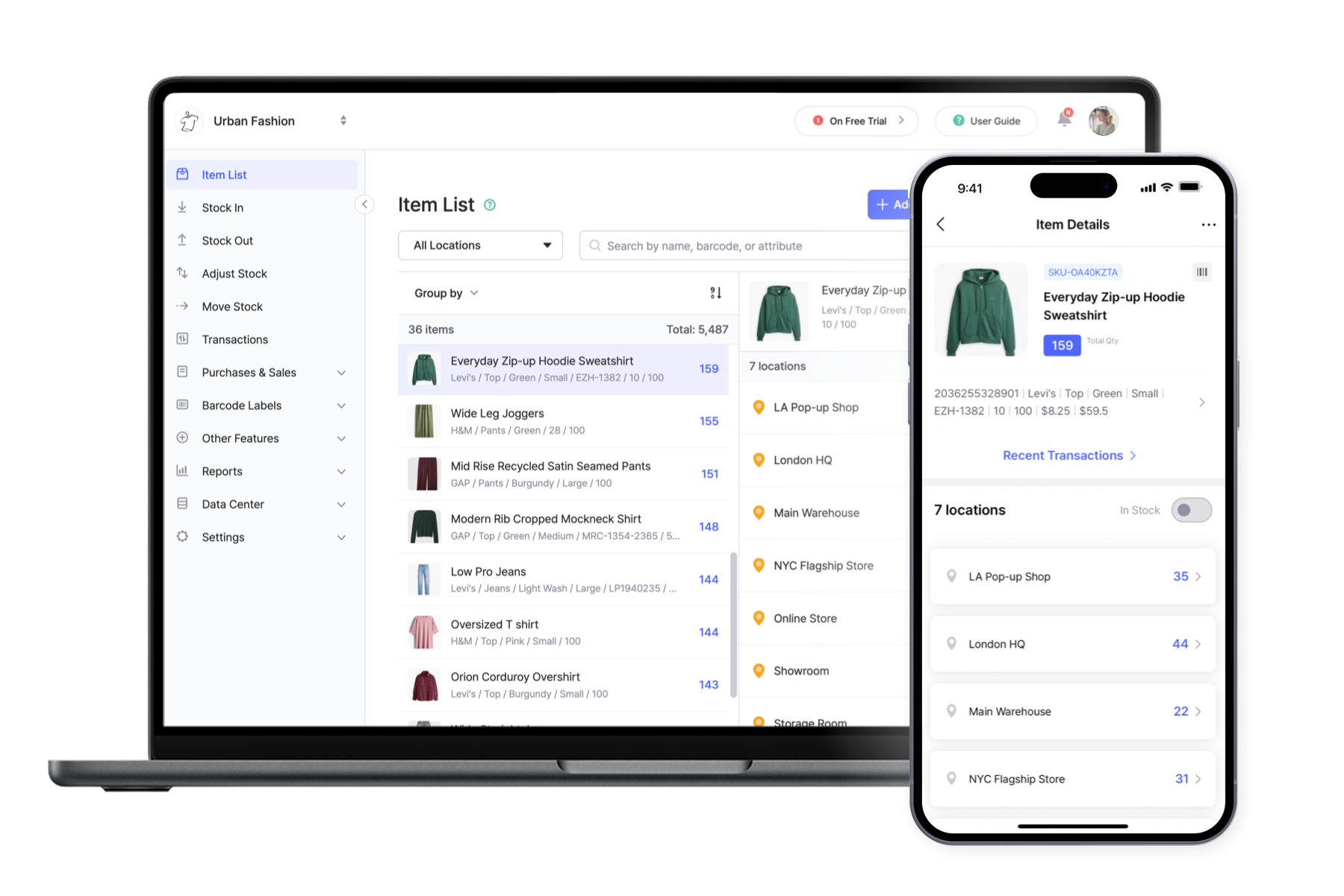
• Location tracking: keeps stock tied to specific locations like warehouses, shelves, zones, or vehicles for clear, separate records.
• Cycle counting: lets you check inventory in small sections instead of stopping everything for a full count.
• Attributes: stores item details like size, lot, weight, or category.
• Low stock alerts: flags items running low so you can reorder in time.
• Member permissions: controls who can edit and manage stock.
Teams that need more control than spreadsheets, but don’t have the resources for a full WMS, often use BoxHero for this reason. Try it yourself with a free 30-day trial.
RELATED POSTS
 Heehong Moon
 Chris Brown
 Nahi Kim