How UB Bio Tracks Supplement Manufacturing with BoxHero
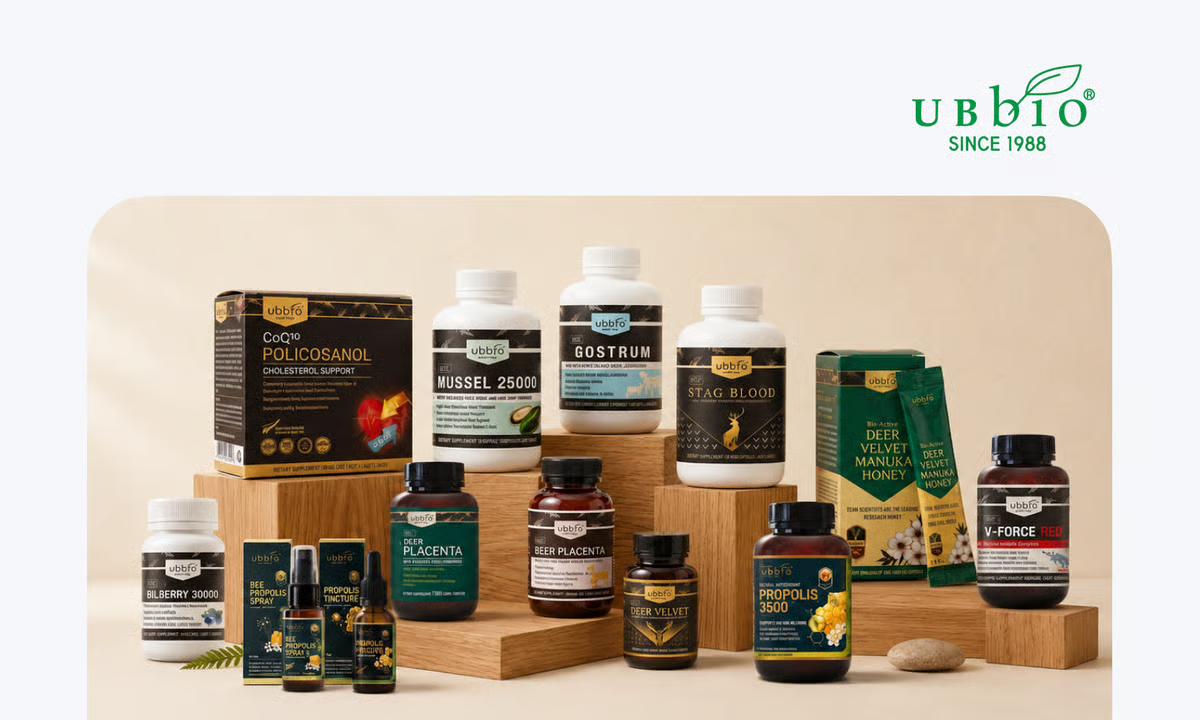
UB Bio makes health supplements in Christchurch, New Zealand. Until about a year ago, the team wrote down nearly every step of production by hand. We spoke with Daniel Jo, the person who moved that record-keeping onto a computer, about the first year on BoxHero.
About UB Bio
UB Bio has processed deer velvet and other health foods in Christchurch, New Zealand for around 30 years. It was the first company to turn deer velvet and deer blood into packaged supplements, and today it makes about 100 products, including green lipped mussel, glucosamine, bee products, and vitamins. As an NZFSA-certified exporter and packing house, it encapsulates, tablets, extracts, and freeze-dries raw materials in house, and runs an OEM service for distributors that sell health products without production facilities of their own.
With that many products, UB Bio keeps a long list of items in stock at once. One supplement can call for several raw materials plus packaging and other supplies. Before BoxHero, the team tracked all of it on paper.
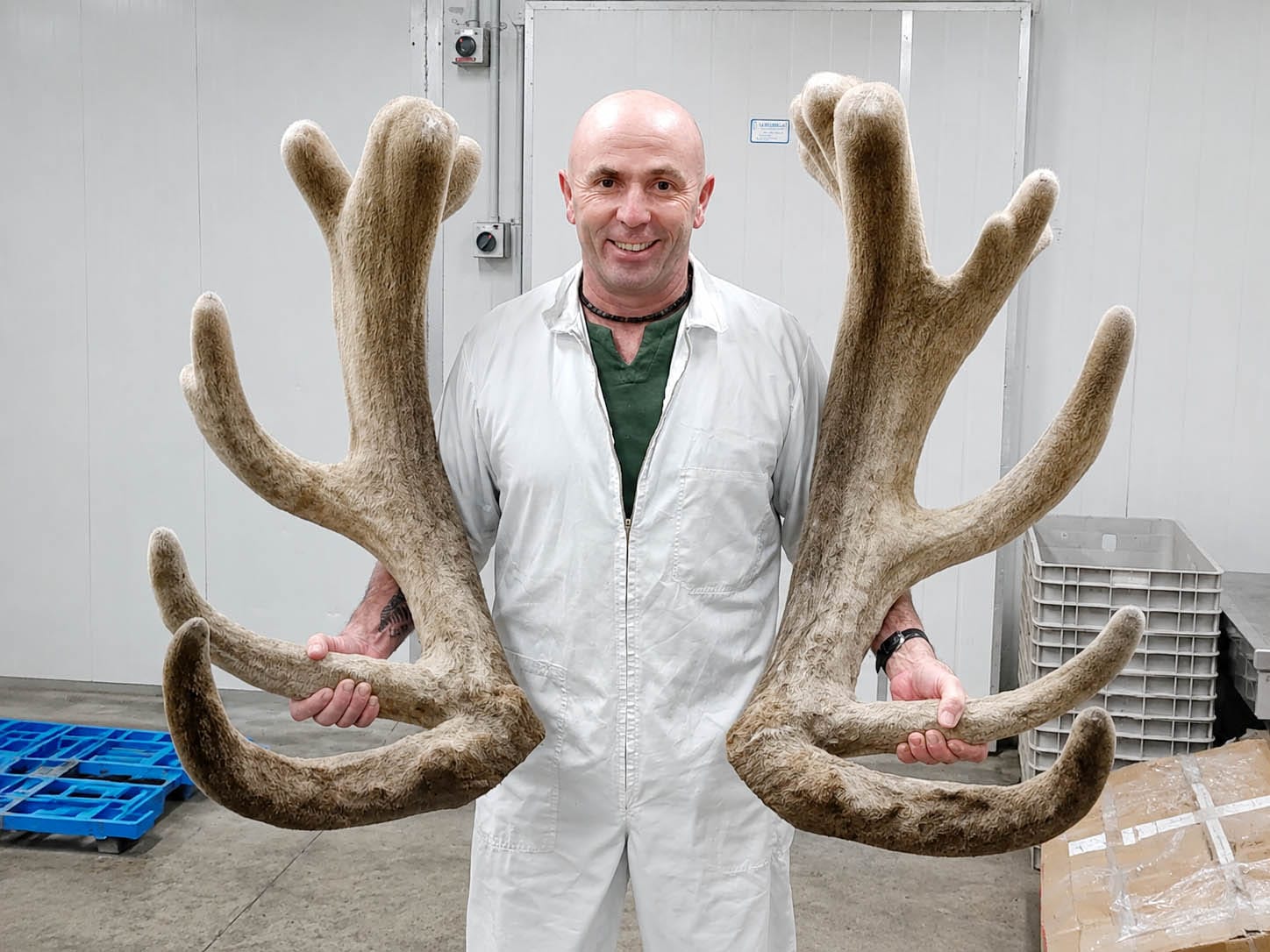
Meet Daniel Jo
Daniel Jo spent his earlier career as a software engineer in South Korea. He joined UB Bio to move company's paper records into a system the whole team could search. Daniel chose BoxHero in part because it works in the languages his team uses. He started by linking the warehouse, the factory floor, and the finished-goods shelves, which until then kept separate records.
We met Daniel over a video call from New Zealand to hear what changed. 🇳🇿
Recording Production with Purchases & Sales
UB Bio tracks a batch from start to finish with BoxHero's Purchases & Sales.
When raw materials arrive, the warehouse records them as a purchase order in Purchases, which adds them to the stock. Each material goes onto an assigned shelf and gets a printed label. Once production starts, the warehouse pulls the materials a product's recipe calls for and hands them to the factory. The finished supplement comes back into the warehouse as new stock.
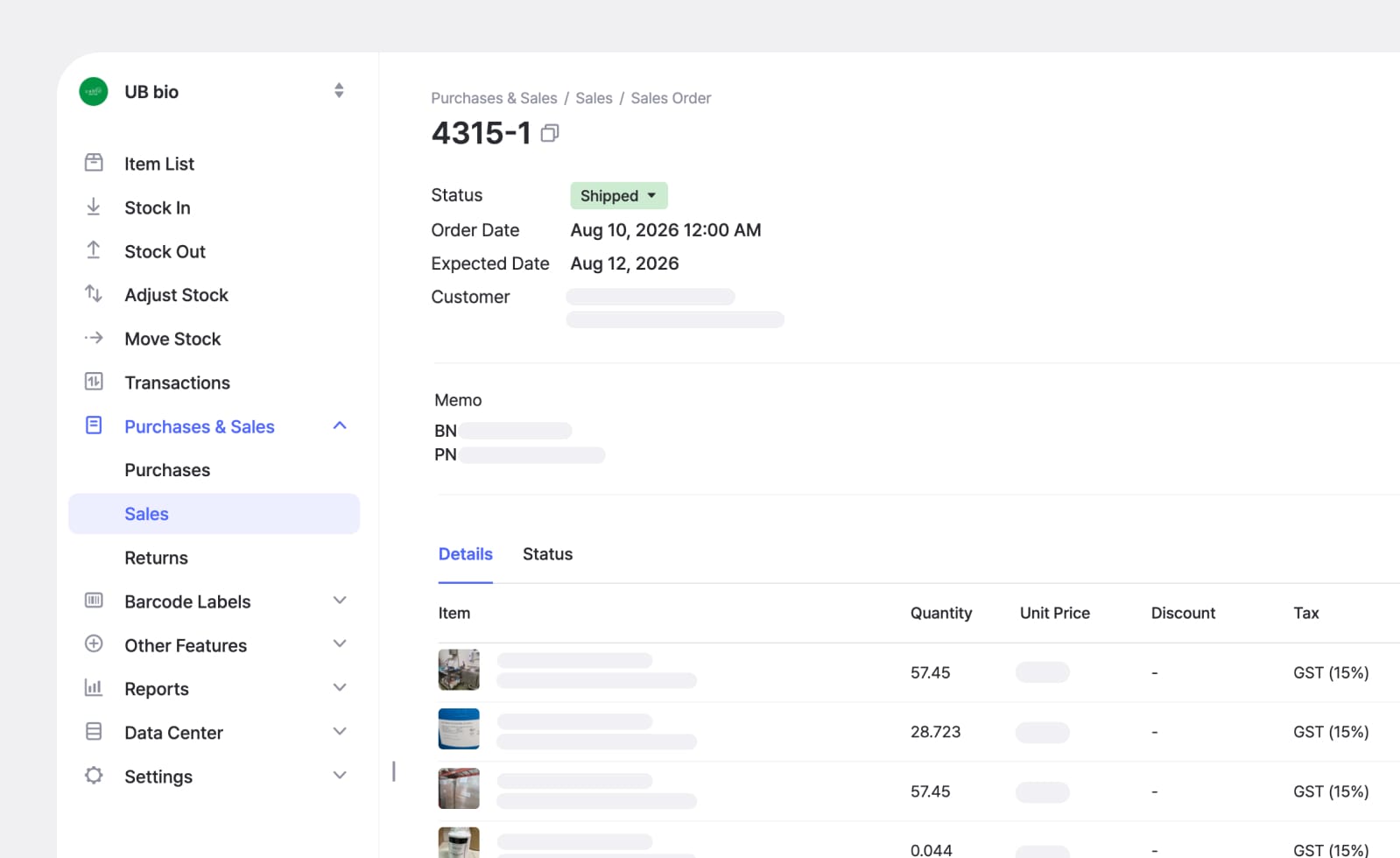
Daniel's team started with Inventory Transactions (Stock In and Stock Out), then switched to the more detailed Purchases & Sales. The former covers quick internal updates, while the latter records each order in full, down to the line items and quantities.
"We used Stock In and Stock Out at first, but now we record everything through Purchases & Sales. On a single sales record, I can see which raw materials left the warehouse to make a specific supplement, and how much of each one went in. If you want to record the whole production process in detail, Purchases & Sales puts all of that on one screen."
Tracking Materials by Fractional Weight
Daniel called out one detail specific to supplement production: the exact amount of a raw material that leaves the shelf.
Supplement recipes often call for a material in amounts like 0.1 kg or 0.05 kg. If BoxHero tracked whole numbers only, the count in the system would slowly separate from the amount sitting on the shelf, a little more with each production run. BoxHero records quantities to the decimal, so the number Daniel sees in the system equals what the team actually pulled.
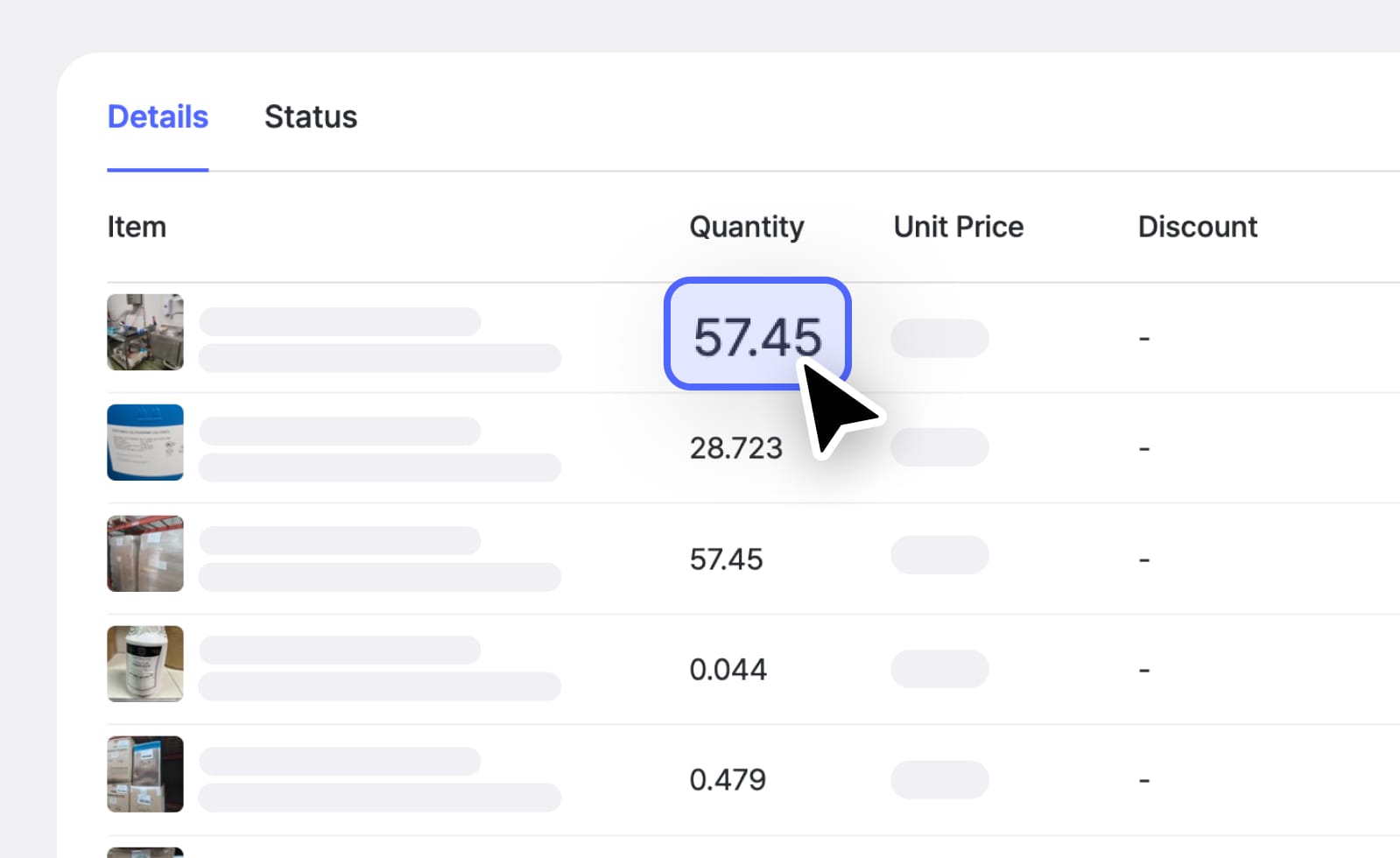
BoxHero records stock in fractional amounts, not just whole units. This helps any team that portions materials by weight or volume, such as food producers, cosmetics makers, and supplement manufacturers.
Using Custom Attributes for Batch Records
UB Bio records the details a supplement maker has to keep on file using BoxHero's Custom Attributes.
Text and date attributes hold the batch number and expiration date, while file-type attributes hold documents like the Certificate of Analysis (COA) and the production work order.
Because people eat these products, UB Bio has to trace which raw material went through which step and in what amount. With the attributes filled in, Daniel searches a finished product's batch number and pulls up the production steps, raw material amounts, COA, and work order for that batch.
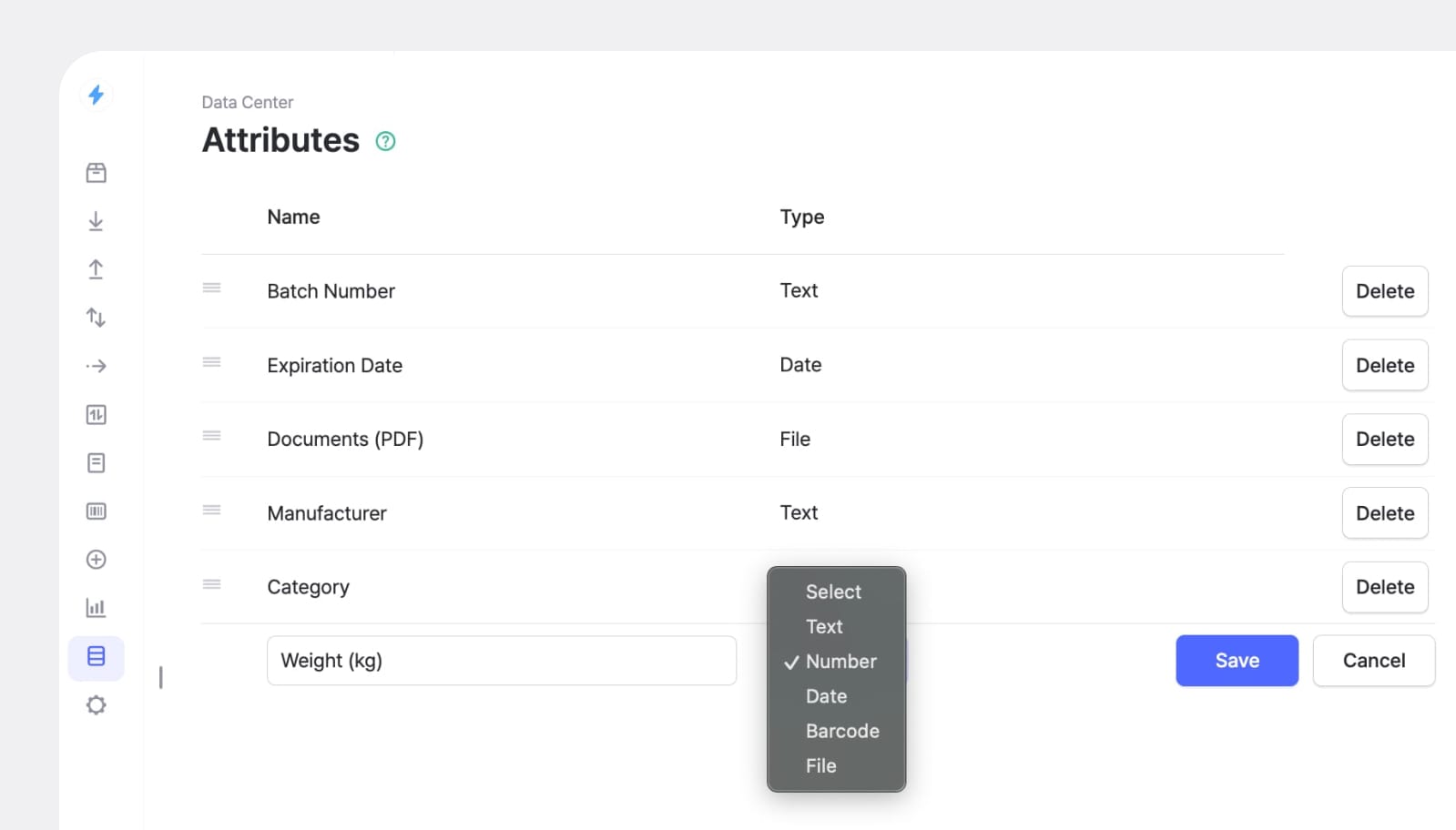
He also registered the warehouse layout the same way.
"When I joined, we spent six months building out the warehouse and deciding which materials go on which shelf. I put all of that into BoxHero as attributes. Now I search for a material and I can see the exact shelf and the spot where it is stored."
Sharing Stock Levels with OEM Partners
UB Bio does a lot of OEM work, so the warehouse also holds raw materials that partner companies send in for their products. The amount a partner ships rarely matches what a production run uses, so material is often left over. UB Bio holds that stock, but the partner owns it, so UB Bio has to report the remaining quantity back to them.
Daniel handles this with BoxHero's Inventory Link.
He selects only the materials a given partner needs to see, generates a link, and sends it over. The partner sees the current quantity of their materials in real time and nothing else in UB Bio's inventory. They no longer email to ask for a count, and Daniel no longer builds a separate file to send one.
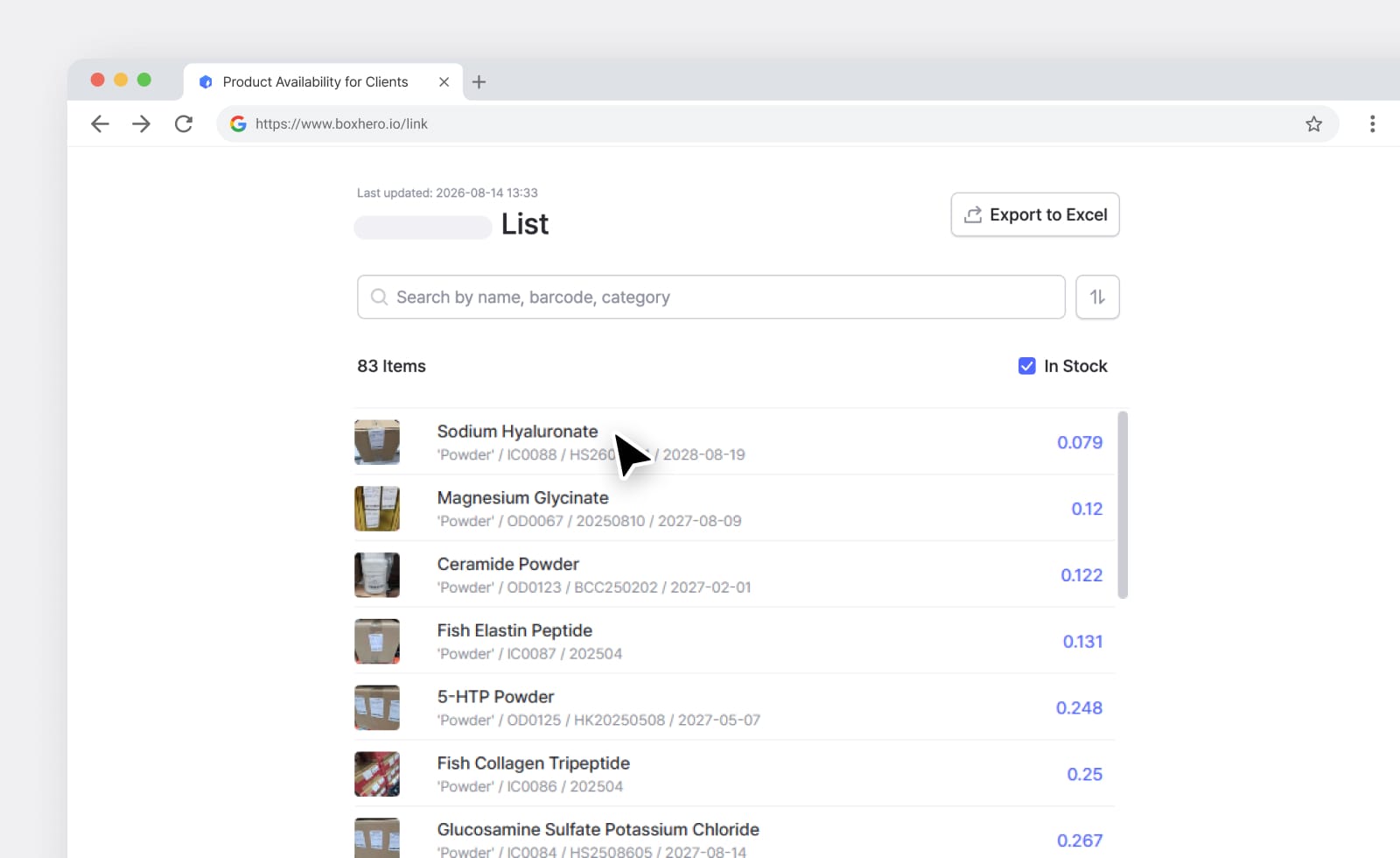
Share a live view of selected items with someone outside your team through a secure link. The recipient sees current quantities without logging in, and without access to the rest of your inventory.
Daniel plans to use the same feature inside the building next. He wants to split inventory links by production step, so a worker on the floor can open a tablet or phone and check only the raw materials that step uses. Anyone can see whether a material is running low and act before it stops a run, without accessing the full BoxHero team.
Designing Labels for the Warehouse Floor
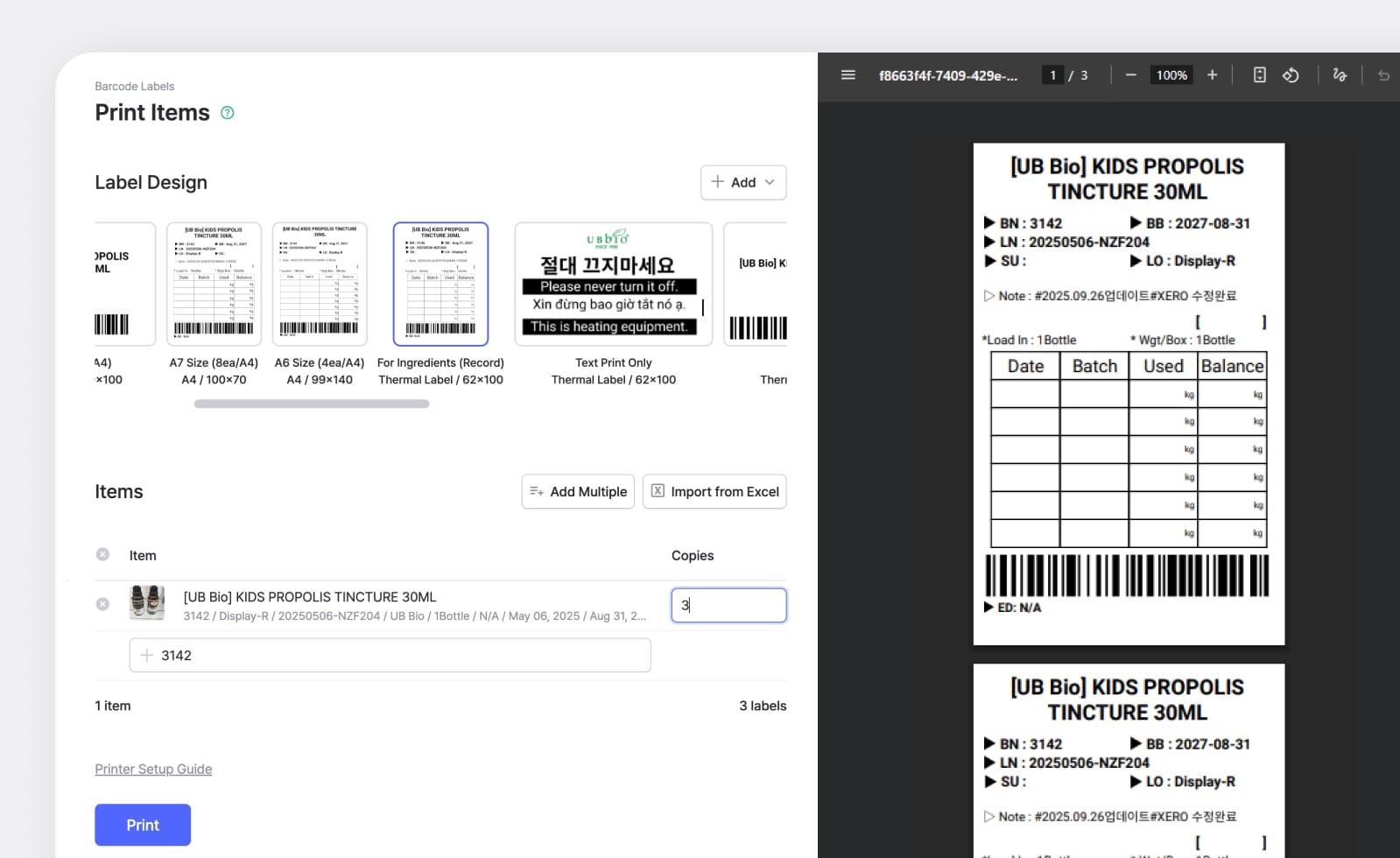
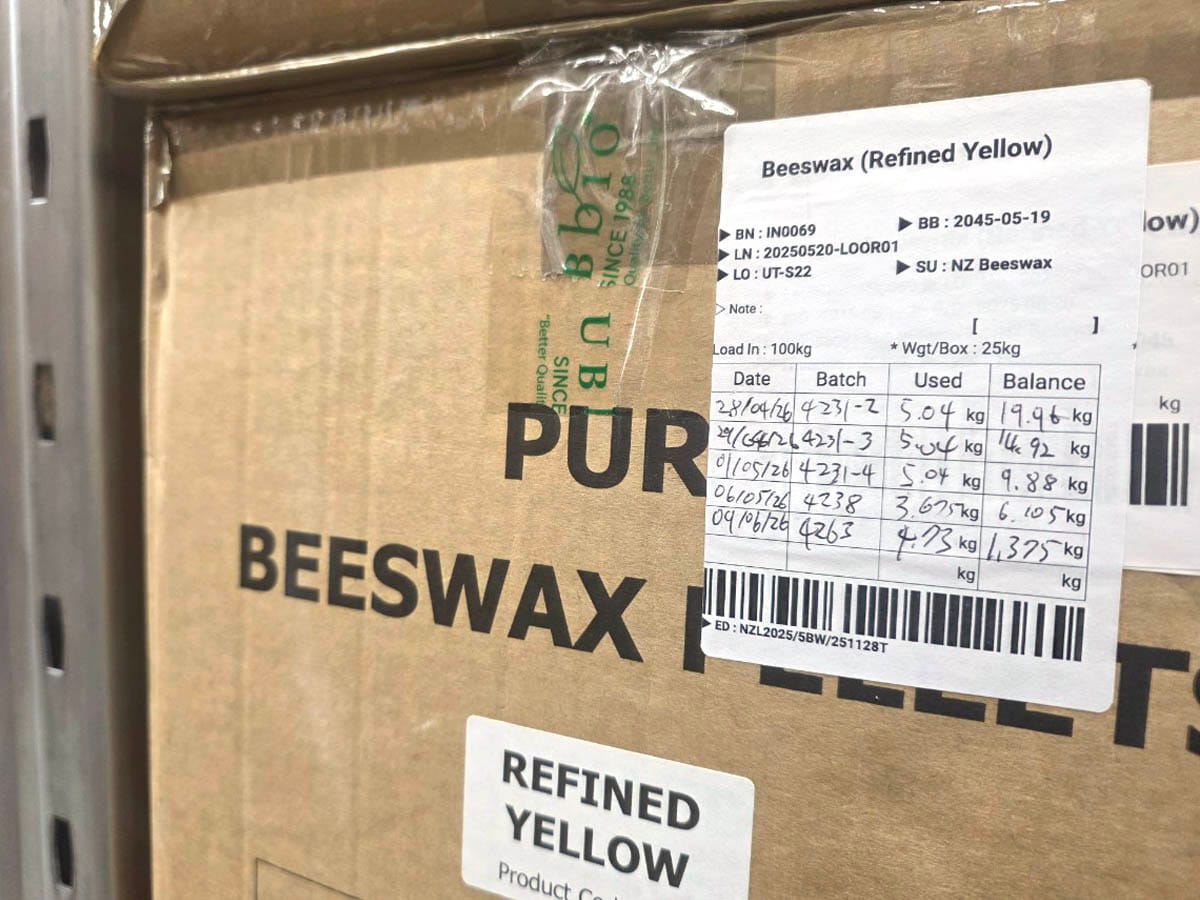
Since UB Bio portions materials out of larger containers, Daniel designed a Custom Barcode Label that shows the remaining amount without a scan. He added a blank space to the label where a worker writes down how much they used each time they draw from the container.
Scanning the barcode still pulls up the remaining quantity, but a worker can read the last recorded amount straight off the label. For a team that opens the same containers many times a day, that saves a step.

Building Custom Reports for Production Planning
UB Bio uses Custom Analytics more than most BoxHero customers. Daniel has built several reports: one listing every item currently in stock, one showing monthly sales for each finished product, and one flagging finished products near their expiration date.
His favorite compares what a planned production run needs against the stock currently in BoxHero, then shows whether there is enough on hand to make the planned quantity before he commits to the run.
"I spent a few days building that report with the AI Assistant. I set it up so the numbers I need show up right inside BoxHero, and so I rarely have to download a file and edit it again. I use the report when I check stock and when I plan a production run, so the time I put in definitely paid off."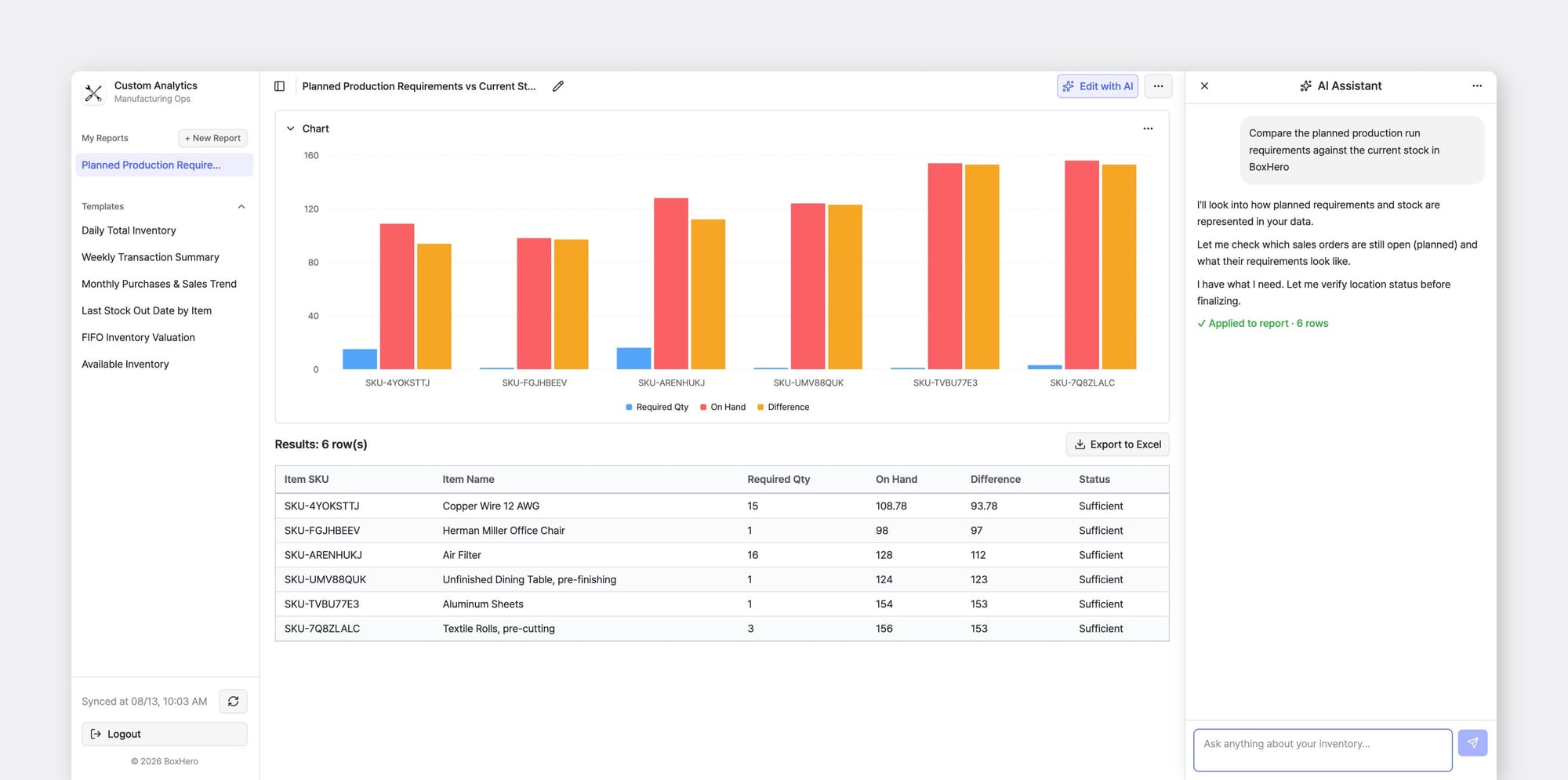
Ask the AI Assistant for the inventory data you need in plain language and get a custom report in seconds. Save it to run again, turn it into a chart, or export to Excel.
What's Next for UB Bio
In its first year on BoxHero, UB Bio connected raw material intake, production, and finished-product records so that one batch number pulls up a product's entire history. For a manufacturer still moving production off paper, UB Bio's setup is a useful reference.
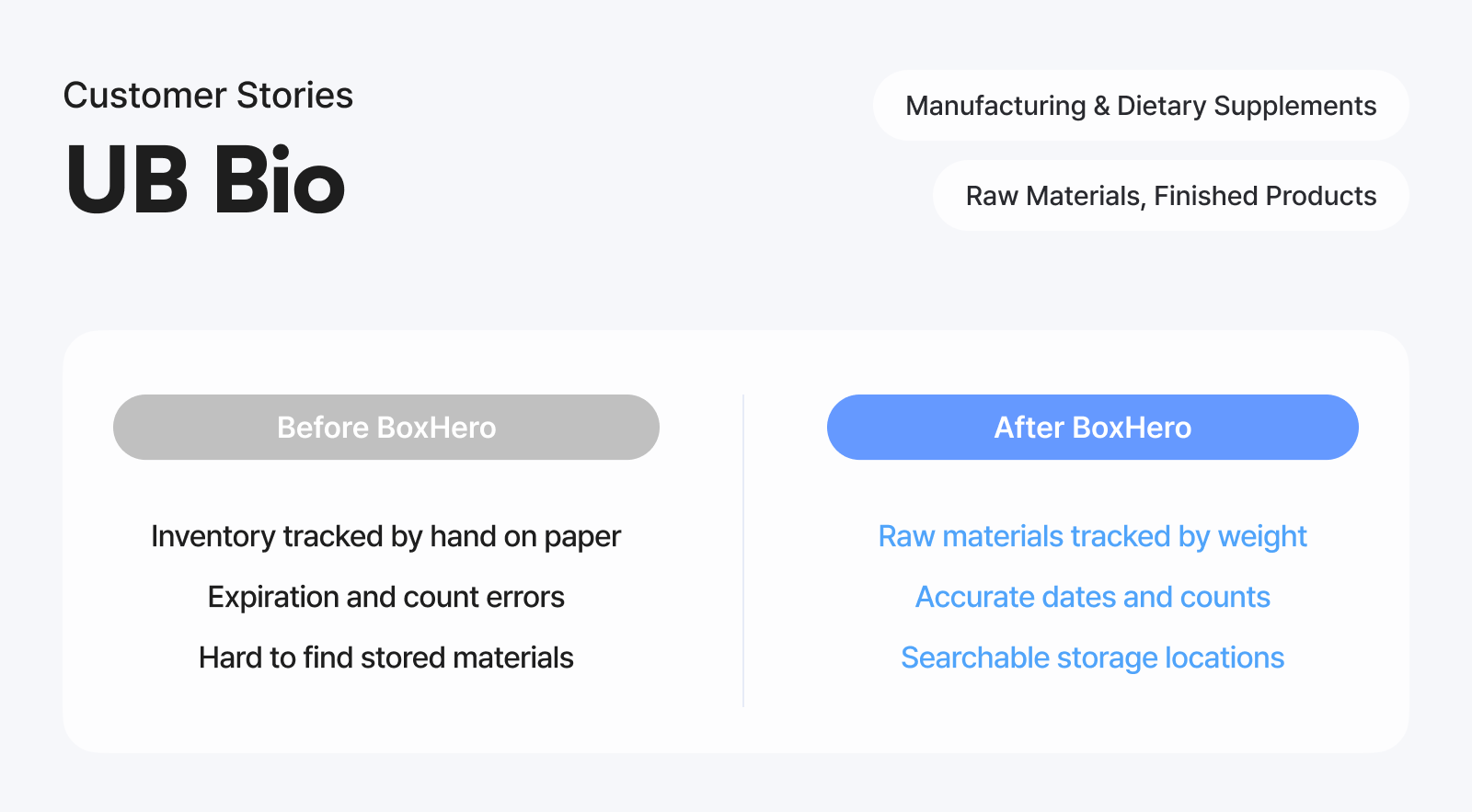
Start with the items you track by weight, add the documents you keep on file as attributes, and build the reports you check most often.
Over 300,000 users across 100 countries use BoxHero to keep their stock organized. Want to see how other businesses set it up? Read more customer stories.